Build It Lookbook ← All boxes
The Build It Box

This Ain’t Your Grandma’s WordPress Website

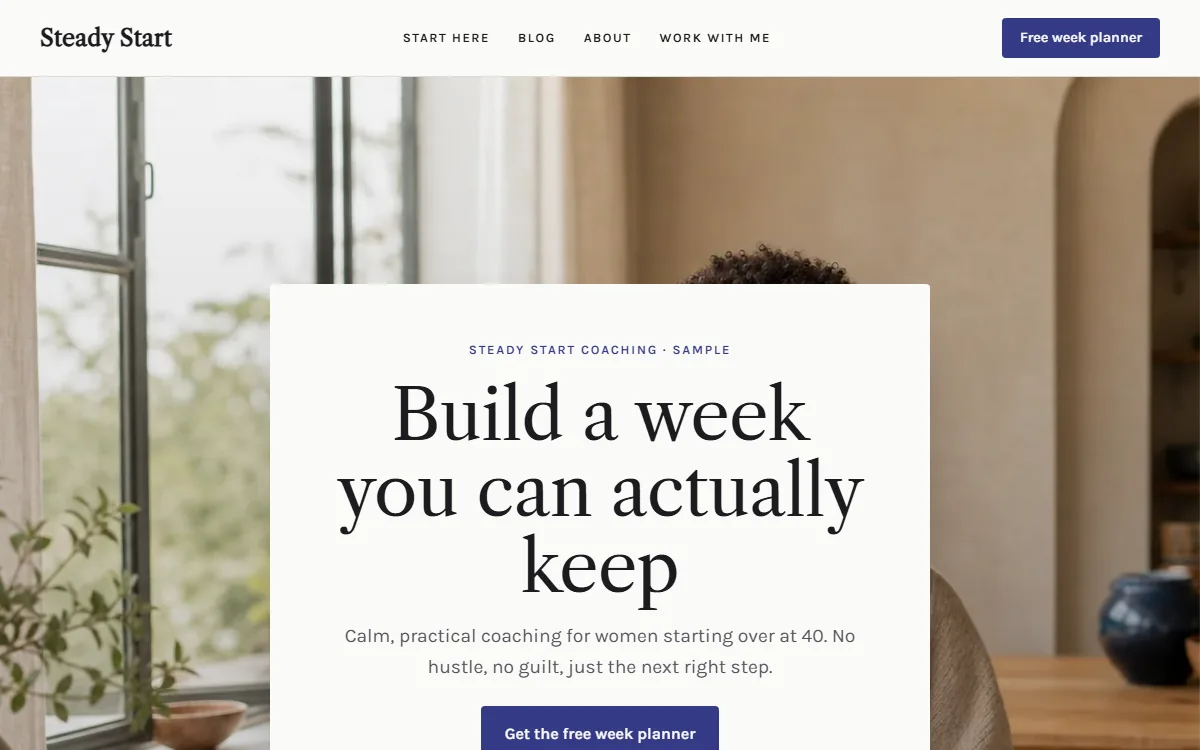
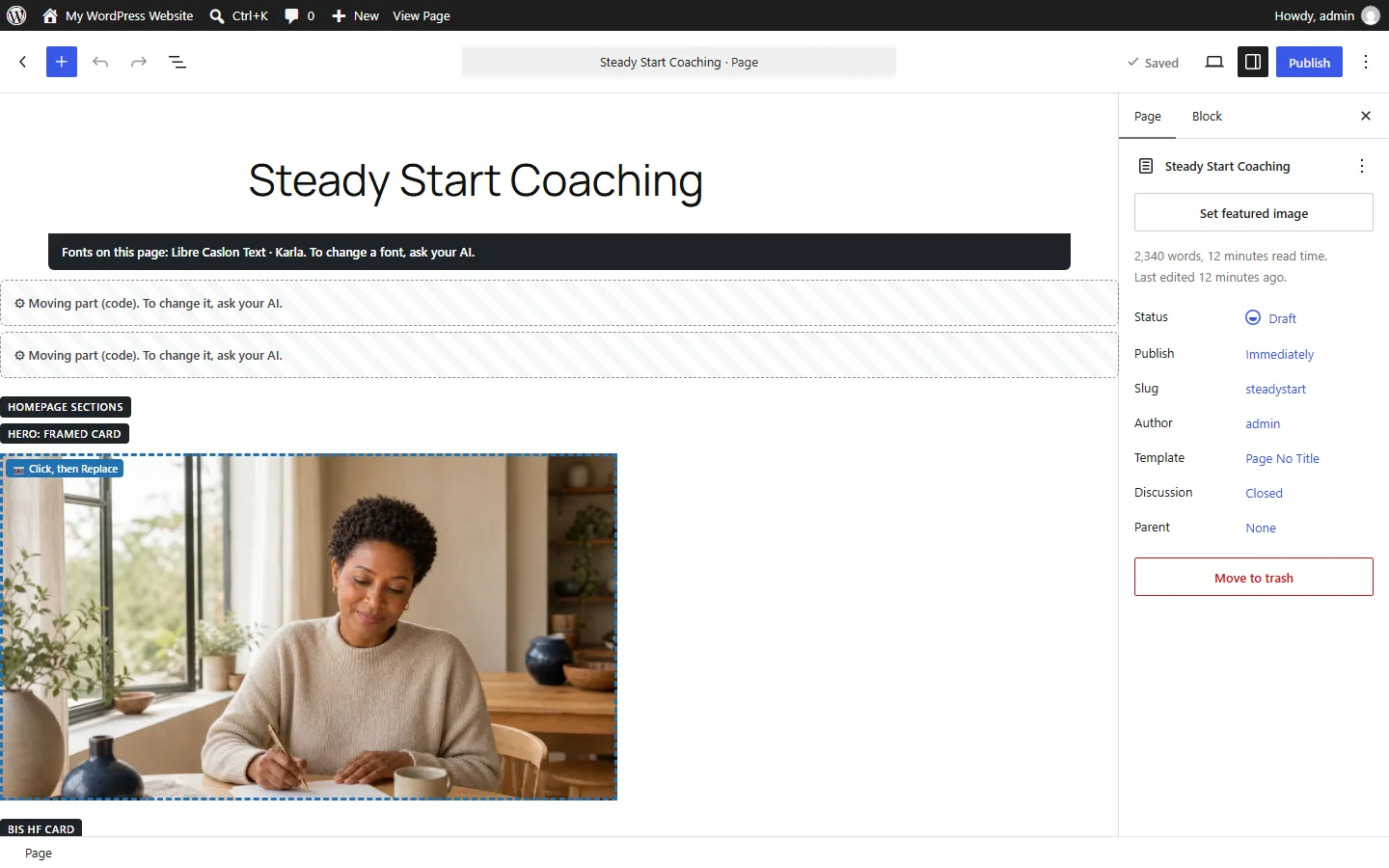
Front and back

Drag the handle. On the left, the website everyone sees. On the right, the same page in WordPress, where you make changes.

Front: what visitors seeBack: where you edit

Open the full site

You, in WordPress

Small changes? Do it yourself.

Swap a word, a photo or a link right on the page. Click it, change it, hit Update. Done in a minute.

Your AI

Big fixes? Leave it to your AI.

New section, new colors, a whole page in your voice. Say what you want and it redoes it for you.

Everywhere at once

One menu. Every page.

Change your menu once and it updates across your entire site, on laptops and phones.

AI websites for WordPress that don’t look like AI.

Stunning pages, made for your niche, built inside real WordPress. It gets you about 90% of the way. The last 10% is the fun part: making it fully yours. Make little changes on your own, with no waiting around to regenerate a whole page of code.

Tour coming soon

Behind the scenes tour

See the back of the website.

Aquita walks you through the WordPress side: where every section lives, how to change words and photos by hand, and how to ask your AI to redo a whole page.

Built with the box

Whole websites. Not one line hand-coded.

Each of these started as a conversation: the business, the people it helps, the look. The Build It Box built every page in WordPress. Hover to pause, tap to open.

Like a site? Make it yours: new fonts, new colors, new parts, your niche. A food blog look can become your coaching site. Picture your business in it, because that’s exactly how it works.

Not just homepages

The whole funnel, built with the box.

Same coaching site, three more pages: a free download page, the thank-you page, and a sales page. Made from the same section library, in the same look. Tap “Peek in WordPress” to see the back of each one.

Ways to change your site

01

Quick fixes, by hand

Click the words or the photo right in WordPress and change it by hand. Hit Update. Jump in, tweak, jump out.

02

One menu, every page

Your menu lives in one shared header. Change it once and every page follows, on laptops and phones.

Tested: one change updated all 11 pages of a sample site.
03

Say it once, it all changes

Tell your AI “rewrite this page in my voice” or “swap in my brand colors.” It redoes the whole page in one go.

Comes back as a fresh draft for you to check.
04

90% done for you

Made for your niche, in one matching look. The last 10% is your photos, your words, your touch.

Behind the scenes, it’s a labeled junk drawer. (We love a labeled junk drawer.) Nobody sees it but you. Every section has a name, so you find it, click it and change it. Visitors only ever see the polished front.

Behind the scenes

Built in WordPress. Fast on purpose.

Under the pretty front, it’s plain WordPress you already know how to use. Here’s how it’s built.

Real WordPress blocks

Headlines, photos and buttons are normal WordPress blocks. Click one and type. Every section is named, so you always know where you are.

No page builder needed

Built with WordPress’s own editor. The sites in this lookbook were checked inside WordPress with zero plugins turned on.

Fast on purpose

Every page has a weight limit: one small motion file, a hero photo under 150 KB, no video on the first screen. Too heavy? It swaps in a lighter version.

Drafts first, always

Pages land in WordPress as drafts. Nothing goes live until you press Publish. Every moving section also has a calm, still version.

Homepage picks

One business. Three homepages.

This is the choice the Build It Box hands you: three finished homepages in your words and colors. Pick one, then tweak it by talking.

Sample business: Two Pot Pantry, a made-up vegetarian food blog. Every word and photo is a sample.

Your business, built like this.